
From Internal HR Chaos to AppExchange: How We Built WorkMate Inside Salesforce
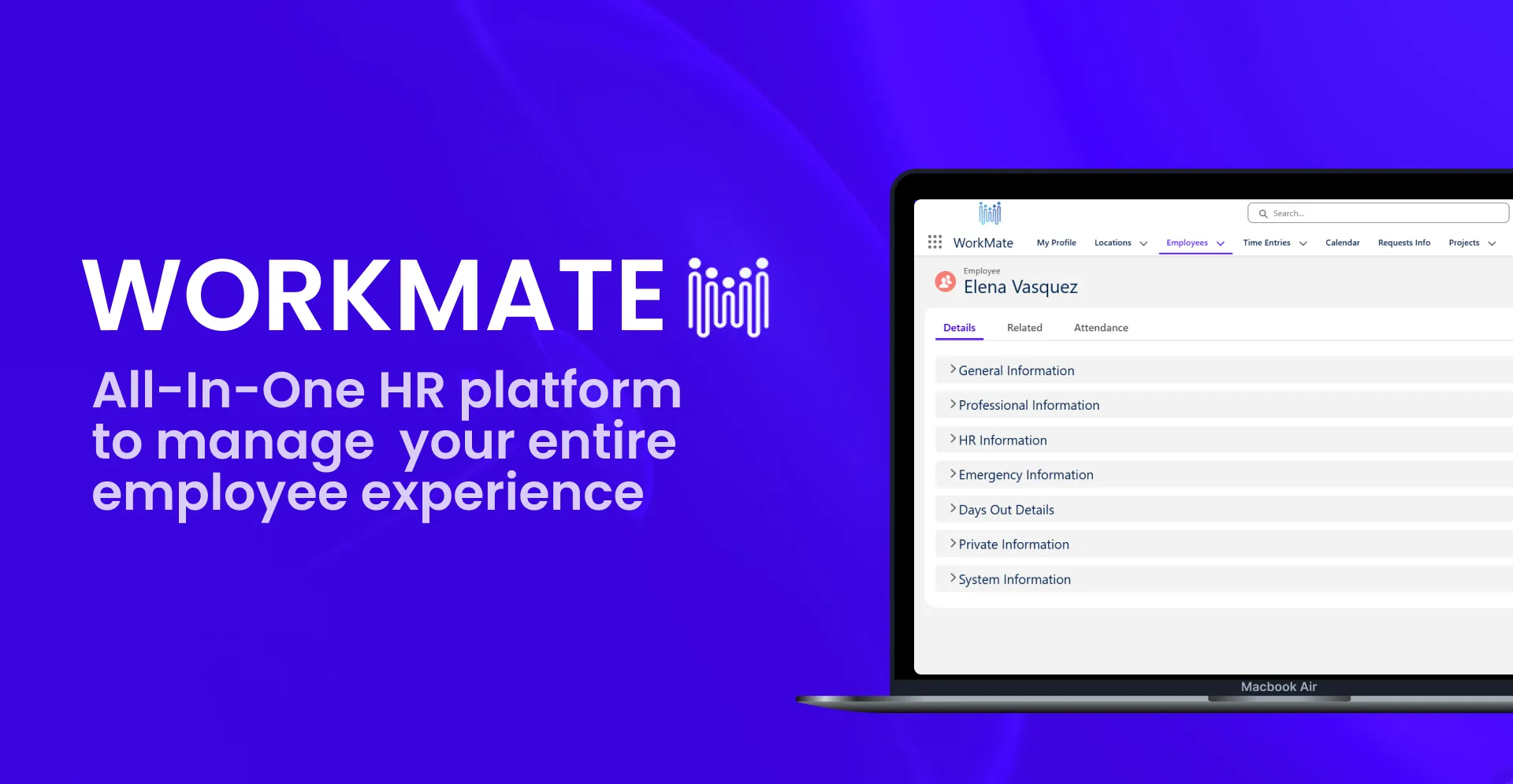
Most HR teams don't struggle because they're short on information. They struggle because that information is scattered: one spreadsheet for employee records, another for vacation tracking, contracts buried in inboxes, approvals chased down over Slack. Each tool works fine on its own. Put them together and you get a steady drip of manual work, plus a lot of small risks nobody notices until something breaks.
That was the situation at ITG. The company already ran on Salesforce for its core business, yet HR lived somewhere else entirely, scattered across tools and kept up to date by hand. That raised an obvious question: if the business already runs on Salesforce, why should HR be the exception?
That question is where WorkMate started. It's a product now used well beyond ITG's own walls.
Why the Problem Gets Worse as You Grow
Fragmented HR data rarely feels urgent while a company is small. A manager can usually keep track of who's on leave, whose contract is expiring, and who's waiting on new equipment just by remembering it.
Growth changes that math. A 30-person company may already have complex HR processes, while a 100-person company may still manage a relatively simple setup. The breaking point tends to arrive quietly: one change to an employee's record can ripple into their contract, vacation balance, equipment assignment, spot on the org chart, performance cycle, or calendar. When each of those lives in a separate place, someone has to track by hand how they connect.
At that point it stops being an inconvenience. It's an operational risk.
From an Internal Headache to a Product
WorkMate wasn't built from day one as a product for other companies. It started as ITG's own attempt to bring core HR processes into one place instead of managing them piecemeal:
- Employee records
- Contracts and contract history
- Vacation and absence tracking
- Performance reviews
- Equipment management
- An employee calendar and org chart
- Time logging and approvals
Slack integrations for vacation and absence requests came a bit later.
The real turning point was realizing the problem they'd solved for themselves wasn't unique to ITG. From there, the path looked roughly like this:
Passing the Salesforce Security Review for both the Base and Pro/Extension packages was a major milestone along the way, a clear sign the product had moved into a different league. The review covered code security, data handling, access controls, architecture, and potential vulnerabilities. It pushed the team to think about security by design and gave us greater confidence that WorkMate was ready for the Salesforce ecosystem.
It also changed how the team thought about it. An internal system can be built around "this is how we do things at ITG." A product has to answer a harder question: "How should this work for different companies?"
That meant rethinking a lot more than the interface: which processes to standardize, where to leave room for flexibility, how to split Base and Pro functionality, how to design onboarding that doesn't need hand-holding, pricing and trial models, GDPR, and local labor rules across countries.
Even with all that change, the foundation held. Employee information, contracts, vacation, absence, performance, equipment, calendars, org structure, and time logging were part of the original logic, and they still are.
Why WorkMate Lives Inside Salesforce, Not Beside It
"WorkMate isn't “integrated with” Salesforce, it's built on it."
Instead of the usual pattern, Salesforce plus a separate HR system plus integrations plus constant data syncing, ITG went with a simpler one: Salesforce, with HR processes running inside the same platform.
That choice meant WorkMate could inherit infrastructure it would otherwise have had to build from scratch:
Security and permissions.
Non-negotiable when you're handling sensitive employee data.
Data model.
HR records connect to each other naturally instead of sitting in isolated tables.
Automation.
Vacation requests, approvals, and reminders can run themselves.
Customization.
Each company can shape processes around how it actually works.
Reporting.
Data shows up with context, not as a pile of disconnected numbers.
None of this requires a company to already be a heavy Salesforce user. WorkMate also works as a standalone HR solution, which opens it up to a much wider range of businesses.
What "Built by HR for HR" Actually Means
The product isn't a collection of employee profile cards. It's built around the actual workflows HR deals with day to day.
A Salesforce developer can build an object, a Flow, or an automation. But before any of that, an HR process needs answers to more practical questions: who makes the decision, who approves it, what happens before and after, and what happens if the next step is missed?
Vacation is a good example. On the surface it looks simple: pick dates, hit submit. In practice, someone has to know who's even eligible to request time off, who approves it, how many days they have left, what leave types exist, how it shows up on a shared calendar, and who gets notified once it's approved. Those questions, not the interface, are what shape the process, and they're what separate a Salesforce feature from an actual HR product.
Worth mentioning what the team left out on purpose, too. Recruitment never made it into WorkMate, because that's its own product category with its own ecosystem. The product doesn't grow by adding everything possible. It grows by asking one question first: what recurring HR problem does this actually solve?
What Changed When ITG Started Using It
Before WorkMate, HR work meant manual record-keeping, approvals scattered across email, and constant digging for information. Afterward, all of that moved into one structured environment: workflows, approvals, shared calendars, absence and vacation management, performance, equipment, and time logging.
The most useful change, though, probably isn't any single feature. It's being able to see an employee's full HR picture in one place, instead of looking at their information, contract history, absence, equipment, and performance one at a time, in different tabs.
That's roughly what regular administrative HR work cost ITG's own small-to-medium team before WorkMate — not a universal benchmark, but a sign of how quickly routine HR admin adds up.
Has Your HR Team Outgrown Spreadsheets?
There's no magic headcount where a company suddenly needs an HR system. A 30-person company can already have complicated HR processes; a 100-person company might still be running something fairly simple. The better question is what HR actually has to manage.
A few signs tend to show up first:
- The same employee data lives in more than one place
- Approvals happen over email with no real record
- It's hard to say, off the top of your head, what an employee's current status is
- Contract renewal dates get missed
- Vacation and absence tracking feels like guesswork
- Onboarding depends on someone remembering a checklist
- Leadership can't get basic HR data quickly when they ask for it
- Different people are working off different versions of the same information
That said, WorkMate isn't the right fit for everyone. A very small company with minimal HR processes and no complex approvals might not need a dedicated system. WorkMate also isn't meant to replace payroll software or act as a recruitment platform, and software alone can't standardize processes an organization hasn't defined for itself yet. Installing an HR application isn't the same thing as implementing an HR process. Roles, permissions, workflows, and country-specific requirements still need to be set up.
From ITG's Problem to a Product for Others
WorkMate didn't start with a polished product roadmap. It started with ITG's own HR team trying to solve a practical, frustrating problem: making core company processes depend less on manual syncs and human memory.
By built-in logic, we realized that if a business already trusts Salesforce with its customers, it makes perfect sense to trust it with its people.
Are you still running HR on spreadsheets? If your team is spending more time syncing data than supporting people, it might be time to move your HR processes into the platform you already use.